How to Capture the Night Sky Using Your Smartphone
Astrophotography on a Phone:
You’ll need:
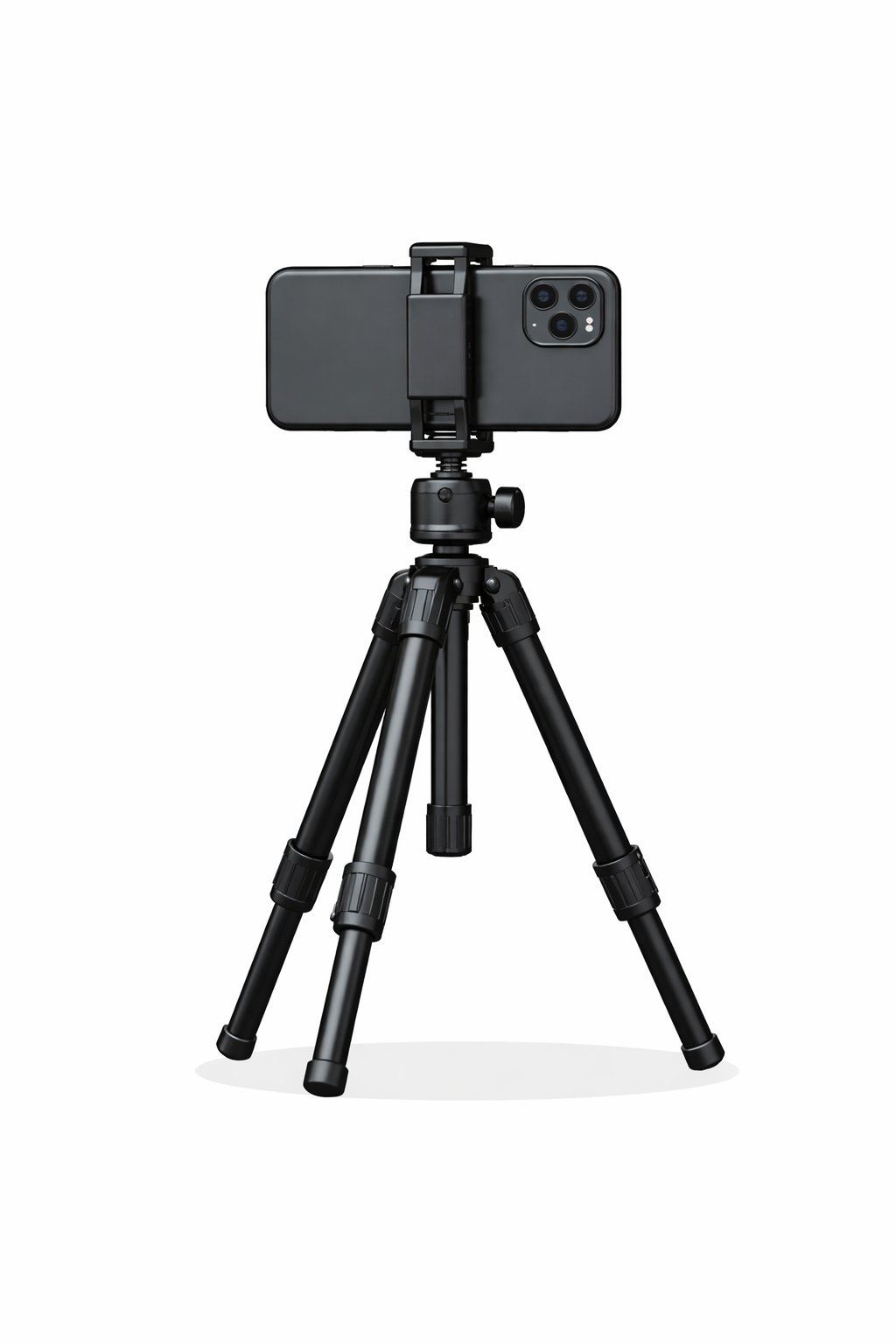
1. A phone with Night mode / Pro mode (most iPhones 12+, Pixels, Samsung Galaxy)2. A small tripod or bean bag 3. A dark location (away from streetlights)4. Clear sky + as little moon as possible5. Know where you are looking (Use an app to help)Free Apps; Starwalk 2, PhotoPills or Stellarium to find the Milky Way💡 Tip: If you can see the Milky Way with your eyes, your phone can capture it.What phones does this work best on?
iPhone 12+, Google Pixel (Astro Mode is 🔥), Samsung Galaxy S/Ultra seriesiPhone
· Open Camera → Night mode· Mount on a tripod → Night mode auto-extends to 10–30s · Tap to focus on the sky· Set exposure to MAX if availableHow long before star trails appear on iPhone?
Single long exposure (Pro / manual apps)10–15 seconds → Stars stay mostly sharp15–20 seconds → Slight trailing may start (especially near the edges)20–30+ seconds → Visible star trails
This depends on:Your focal length (ultra-wide trails sooner)Where you’re pointing (near the celestial equator trails faster)How picky you are about sharp stars 😉
Why Night Mode often avoids trailsiPhone Night Mode doesn’t take one long exposure.Instead it:Takes many short exposuresAligns and stacks themCorrects for Earth’s rotation
So even though it says “30s”, you usually don’t get star trails in Night Mode.Android (Pixel / Samsung)
· Use Night Sight / Astro mode· Keep the phone perfectly still· Some phones automatically stack images over 3–5 minutesPro / Manual Mode (best if available)Set:· ISO: 800–1600· Shutter: 10–20 seconds· Focus: Manual → ∞ (infinity)· White balance: 3500–4000KStability is everything, Tripod + 2–5s up to 13 seconds timer, Or use voice control / Bluetooth shutterEven tiny movement = blurry starsComposition makes a good photograph.
Try to include something other than just the sky that can add context: Trees, Mountain, Buildings, a tent or person (with a dim light)Editing: This is where the magic happens and takes practice. Use:In phone editing, Snapseed App, Lightroom Mobile (free) App, Astroedit (£2.99) to remove stars and edit the Milky Way.Lower highlightsIncrease contrast & claritySlight dehazeReduce noiseAdjust white balance until stars look naturalAvoid overdoing it—grainy neon skies says “beginner”.
Extra tips
✨ Shoot in RAW if your  phone allows
✨ Turn off HDR
✨ Clean your lens
Aurora :
Use Night or Pro mode with the phone on a tripod, setting a 5–13 second exposure, ISO around 400–800, focus to infinity, and white balance near 3500–4000K if your phone allows. Use the main lens with no zoom, turn off HDR and flash, and lower the exposure if the aurora becomes brighter or is moving to keep its shape and colourful